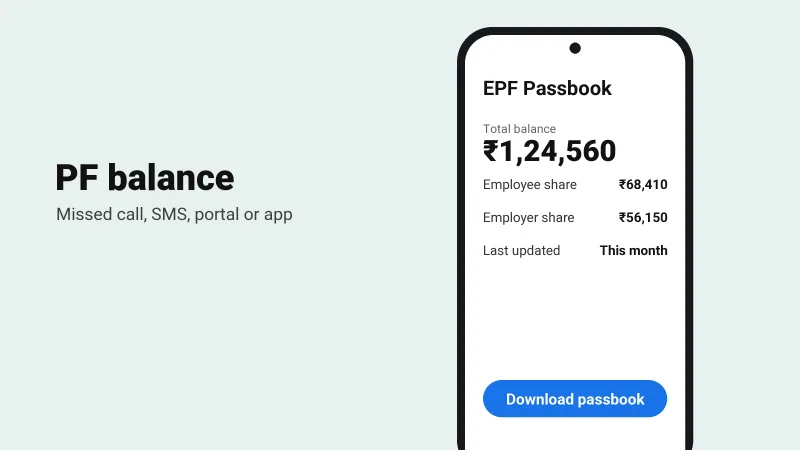
Check your EPF balance in a minute with a missed call or SMS, or see the full passbook on the EPFO portal and the UMANG app.
Table of contents
Your employer deposits money into your EPF account every month, and you can check the balance yourself in four ways. Keep your UAN (Universal Account Number) handy. It is printed on your salary slip.
For the missed call and SMS methods, your UAN has to be activated, your mobile number has to be registered with EPFO, and at least one KYC detail (bank account, Aadhaar or PAN) has to be linked to your UAN.
1. Missed call
Call 9966044425 from your registered mobile number. The call cuts off by itself, and an SMS with your balance and last contribution arrives soon after. It costs nothing.
2. SMS
Send this from your registered mobile number to 7738299899:
EPFOHO UAN ENGENG gets the reply in English. Use HIN for Hindi, TAM for Tamil, TEL for Telugu and so on.
3. EPFO passbook portal
- Go to passbook.epfindia.gov.in.
- Log in with your UAN, your password and the captcha.
- Pick your member ID. Every job you have had has its own ID.
- View or download the passbook with every deposit and the interest.
4. UMANG app
- Install UMANG from the Play Store or App Store.
- Search for EPFO and open View Passbook.
- Enter your UAN and the OTP sent to your registered number.
Balance looks old?
- Your employer may not have deposited this month's contribution yet.
- Interest is added once a year, after the rate is announced.
- If deposits are missing for months, talk to your HR team or file a complaint on the EPFiGMS grievance portal.
Warning
EPFO never asks for your password, OTP or bank details on a phone call. Use only the official portal and the UMANG app.