Ten Windows 11 keyboard shortcuts that save time every day, from clipboard history to snapping windows side by side.
Table of contents
You don't need to memorise fifty shortcuts. These ten cover the things most people do many times a day on Windows 11.
The list
| Shortcut | What it does |
|---|---|
| Win + V | Clipboard history, so you can paste things you copied earlier |
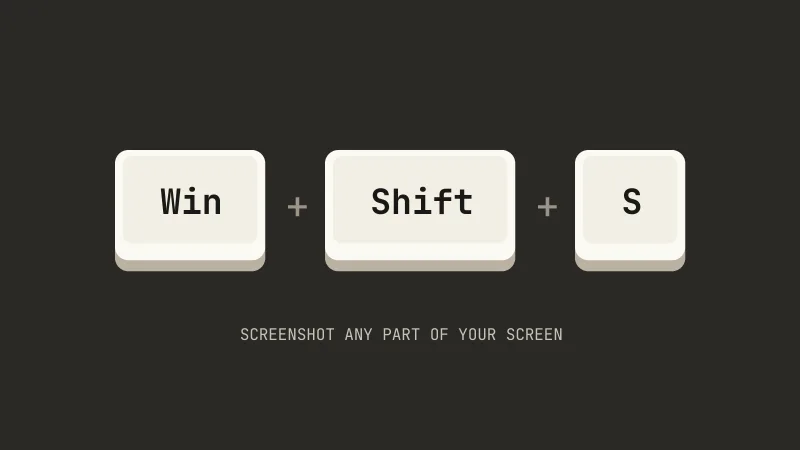
| Win + Shift + S | Screenshot of any part of the screen |
| Win + . | Emoji panel |
| Win + D | Show or hide the desktop |
| Win + E | Open File Explorer |
| Win + L | Lock your PC |
| Win + Z | Snap layouts for the current window |
| Win + I | Open Settings |
| Ctrl + Shift + Esc | Open Task Manager directly |
| Alt + Tab | Switch between open apps |
Clipboard history is off by default. Press Win + V once and click Turn on.
Snap windows with the arrow keys
Win + ← or Win + → snaps the current window to the left or right half of the screen, and Win + ↑ maximises it. Handy when you want a browser and a document side by side.
How to make them stick
Pick two or three you will use daily, like Win + V and Win + Shift + S, and make yourself use them for a week. Then add a couple more.