ChatGPT, Gemini and other chatbots are useful, but what you type can be stored and reviewed. Seven simple rules to protect your privacy.
Table of contents
- 1. Passwords, OTPs and PINs
- 2. Aadhaar, PAN and passport numbers
- 3. Bank statements and salary slips
- 4. Office documents and client data
- 5. Medical reports with your name on them
- 6. Other people's private photos and messages
- 7. Anything you wouldn't post publicly
- Check your settings
- Beware of AI voice scams
AI chatbots like ChatGPT, Gemini and Claude are online services. What you type goes to the company's servers and may be stored, and in some cases reviewed to improve the service. That is fine for most questions, but some things should never go into a chat box.
1. Passwords, OTPs and PINs
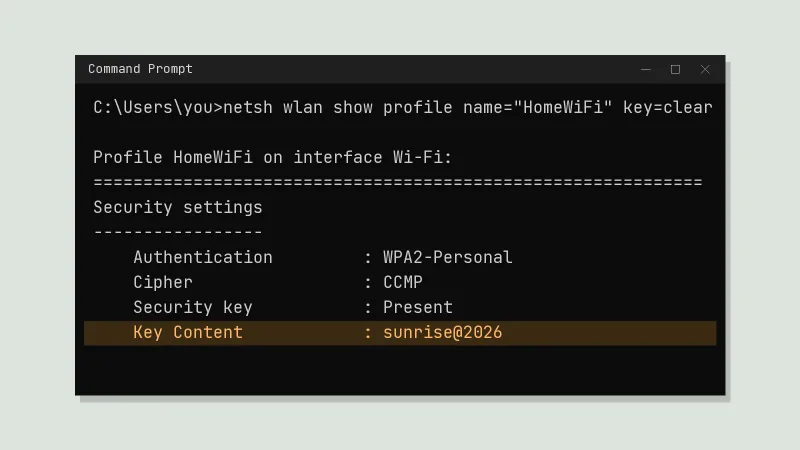
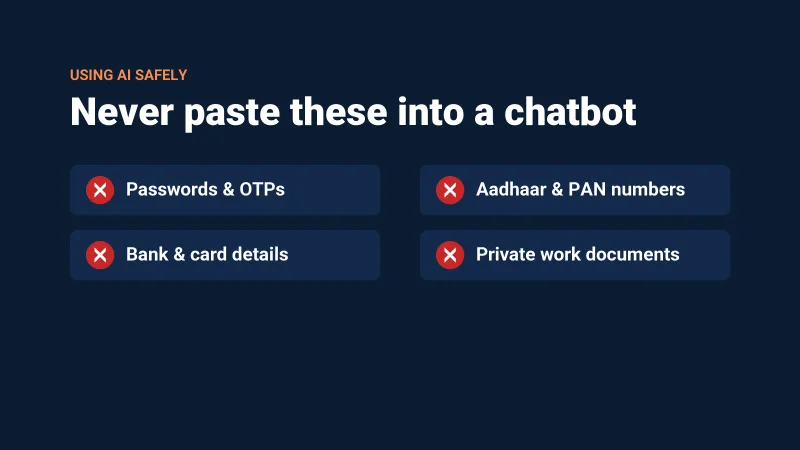
No chatbot needs your passwords, UPI PIN, card details or an OTP. If a "chatbot" asks for them, it is a scam.
2. Aadhaar, PAN and passport numbers
Keep ID numbers and full addresses out of your chats. If you want help with a form or document, remove or blur the personal parts before you paste it.
3. Bank statements and salary slips
They contain account numbers and other details you don't want stored anywhere. Ask your question in general terms instead.
4. Office documents and client data
Many companies don't allow staff to paste internal files, source code or customer information into public AI tools. Check your company's rules, or use the AI tools your office has approved.
5. Medical reports with your name on them
General health questions are fine, but remove your name and ID details from reports first. For real medical advice, see a doctor.
6. Other people's private photos and messages
Uploading someone else's photos or chats without their permission is a privacy problem, for them and for you.
7. Anything you wouldn't post publicly
One rule covers the rest: if you would not be comfortable seeing it on a public website, don't type it into a chatbot.
Check your settings
Most chatbots let you control whether your chats are saved or used for training. Open the app's Settings and look for Data controls, Privacy or Chat history, then choose what you are comfortable with. Install chatbot apps only from the official Play Store or App Store page, because fake "AI" apps and browser extensions are a common way to steal data.
Beware of AI voice scams
Scammers now use AI to copy voices. If someone calls sounding like a family member and asks for money urgently, hang up and call that person back on the number you already have. You can report cyber fraud by calling 1930 or on cybercrime.gov.in.